Skip to content

Brand identity, website and CMS · 2026

Mycolith. A brand, a site and a CMS for a materials lab.

A lab in Rotterdam grows building panels, bricks and packaging from mycelium and farm waste. I designed its brand, its website and the CMS where the team publishes each material.

The brand, the website and the CMS in ten seconds.

The brief

Mycolith grows panels, bricks and packaging from mycelium, the root network of fungi, and from farm waste. A panel takes nine days to grow, and after use it breaks down in the soil.

The lab needed a name and a brand, a website where architects can compare its six materials and their measurements, and a way for the team to add new materials on their own.
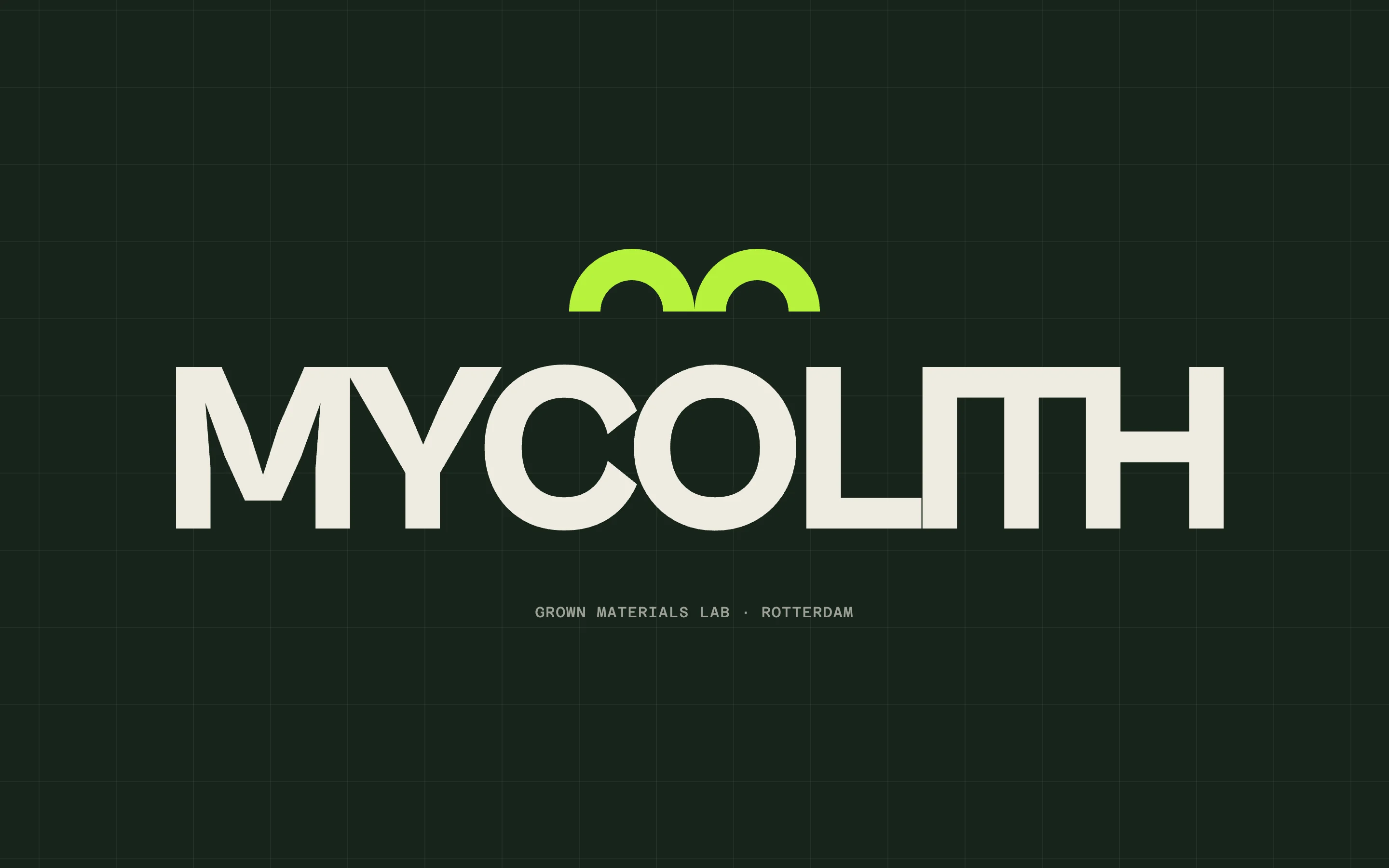
The Mycolith logo: two lime domes over the name MYCOLITH in heavy bone capitals, on a deep green ground with a faint grid.
The name and the mark.

The brand

The name joins myco, Greek for fungus, and lith, Greek for stone. The mark is two domes that read as an m.

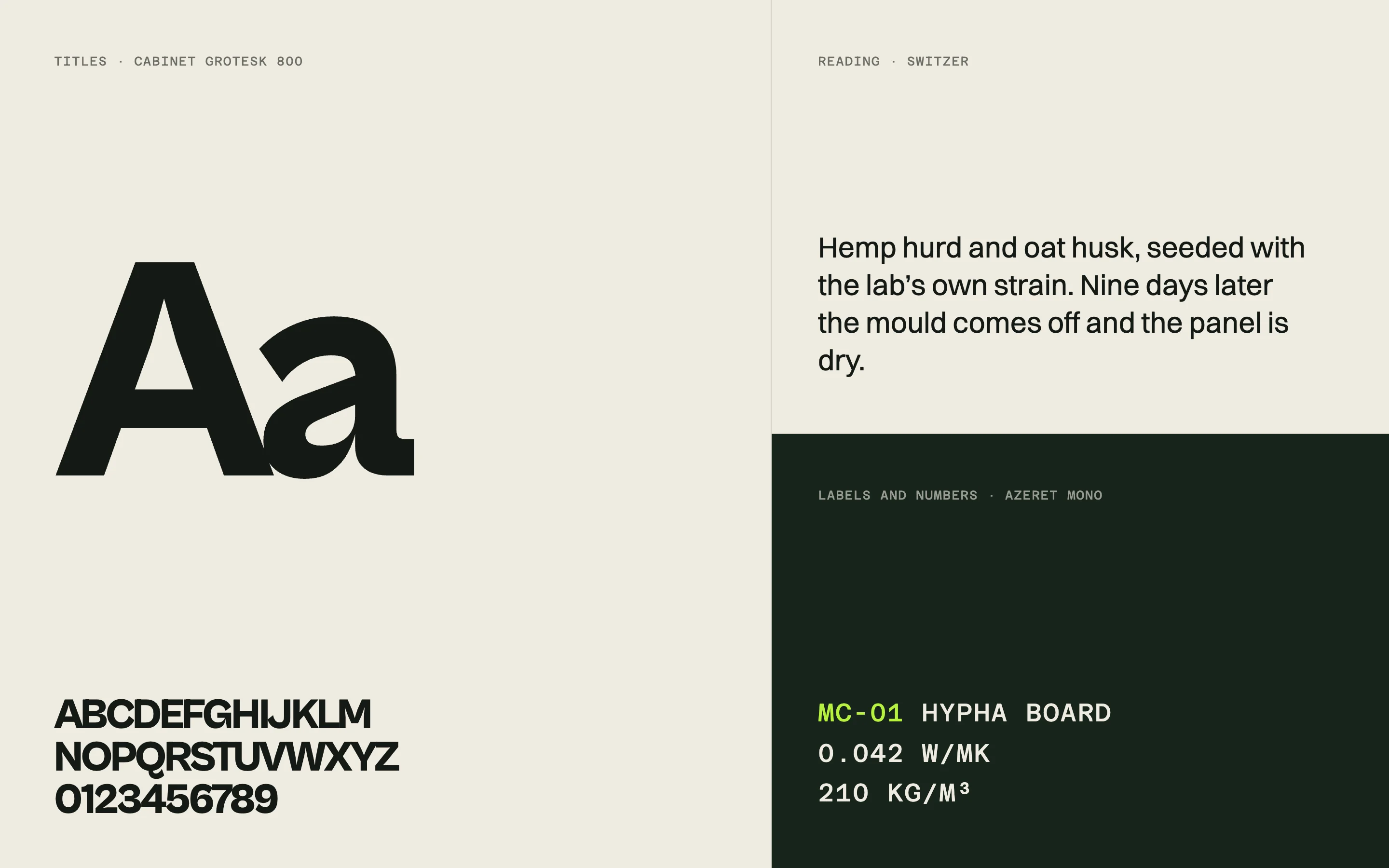
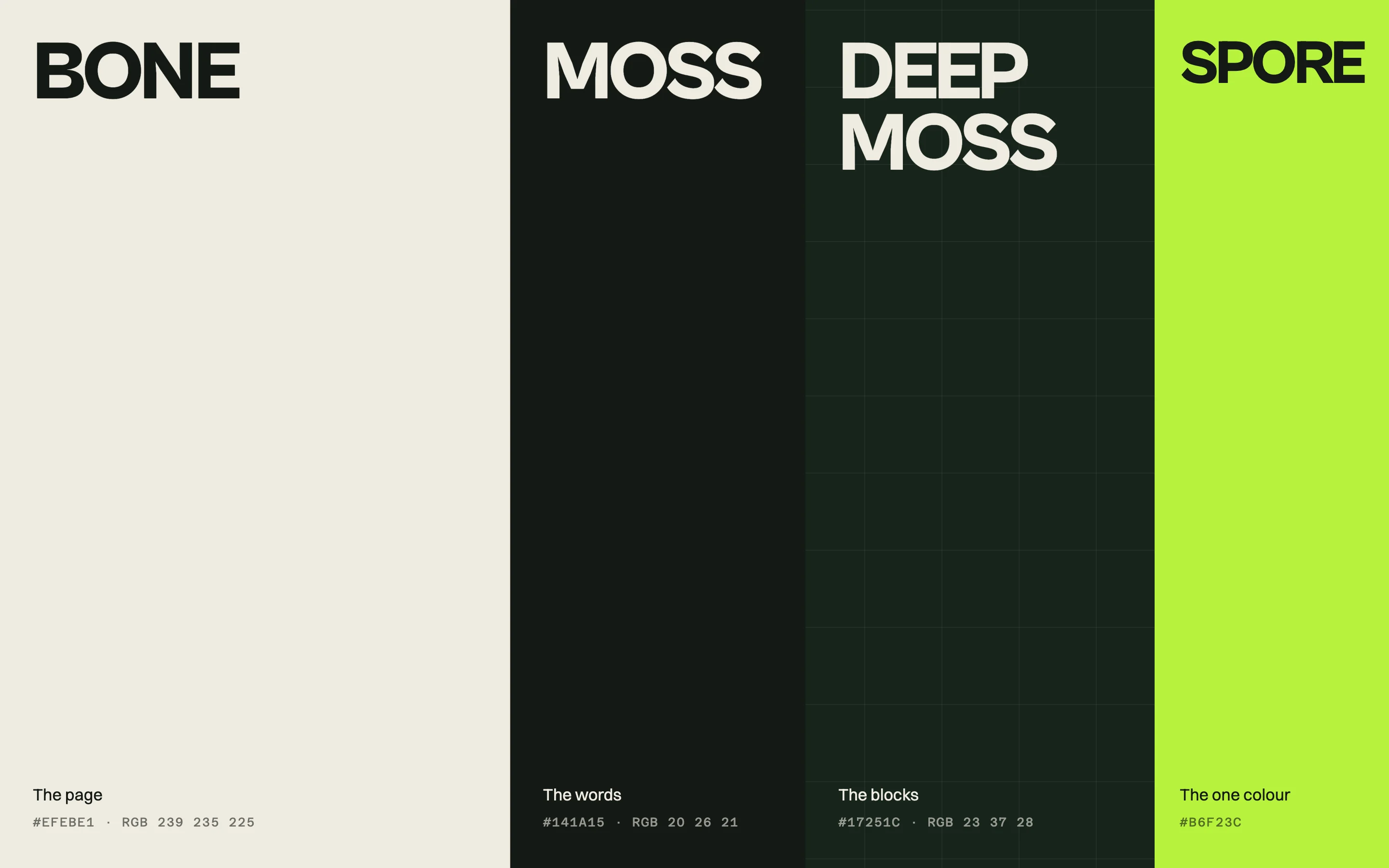
The colours come from the material: Bone for the page, Moss for the text, Deep moss for the dark sections, and Spore, an acid lime, for one accent on each screen. Cabinet Grotesk sets the titles, Switzer the text, and Azeret Mono the codes and the measurements.
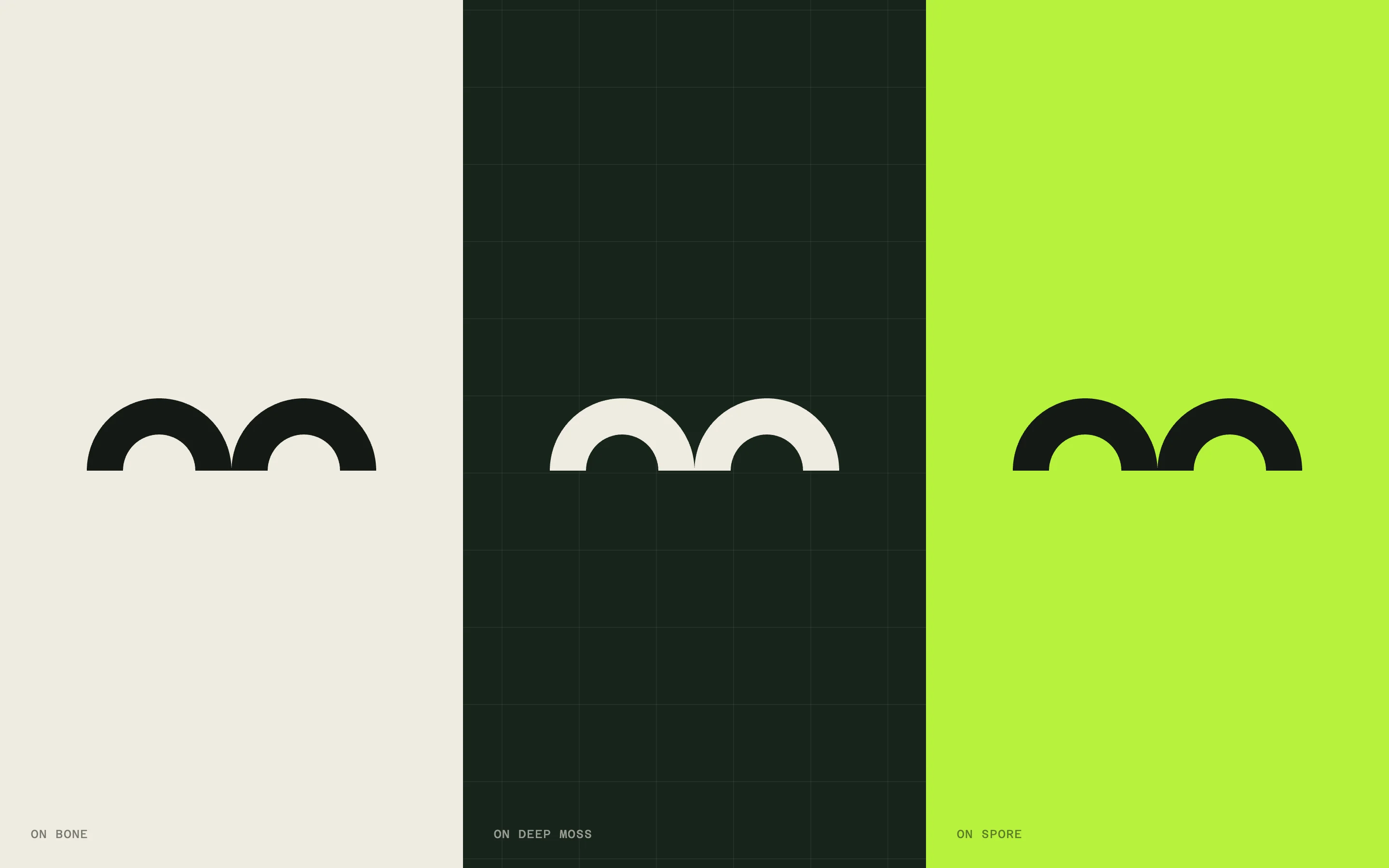
The two-dome mark three times: dark on bone, bone on deep green, dark on lime.
The mark on bone, deep moss and Spore.
Four colour columns named Bone, Moss, Deep moss and Spore, each with its role and its hex value.
Bone, Moss, Deep moss and Spore.
Type specimens: a large Aa and the alphabet in Cabinet Grotesk, a paragraph in Switzer, and material codes in Azeret Mono on deep green.
Cabinet Grotesk, Switzer and Azeret Mono.
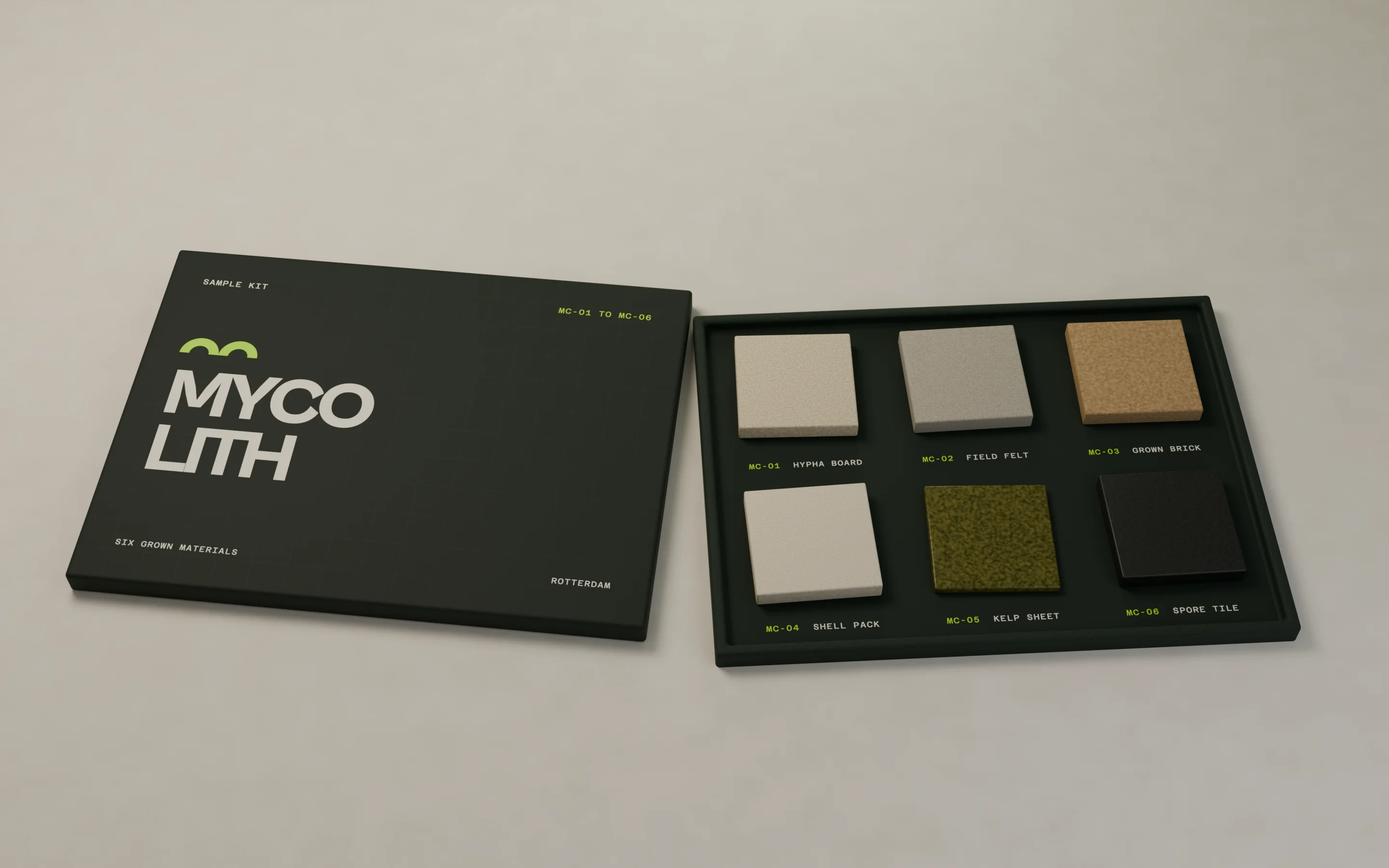
A sample kit on a table: a deep green lid printed with the Mycolith logo beside an open tray of six square material samples, each labelled with its code and name.
The sample kit for architects, six materials with their codes.
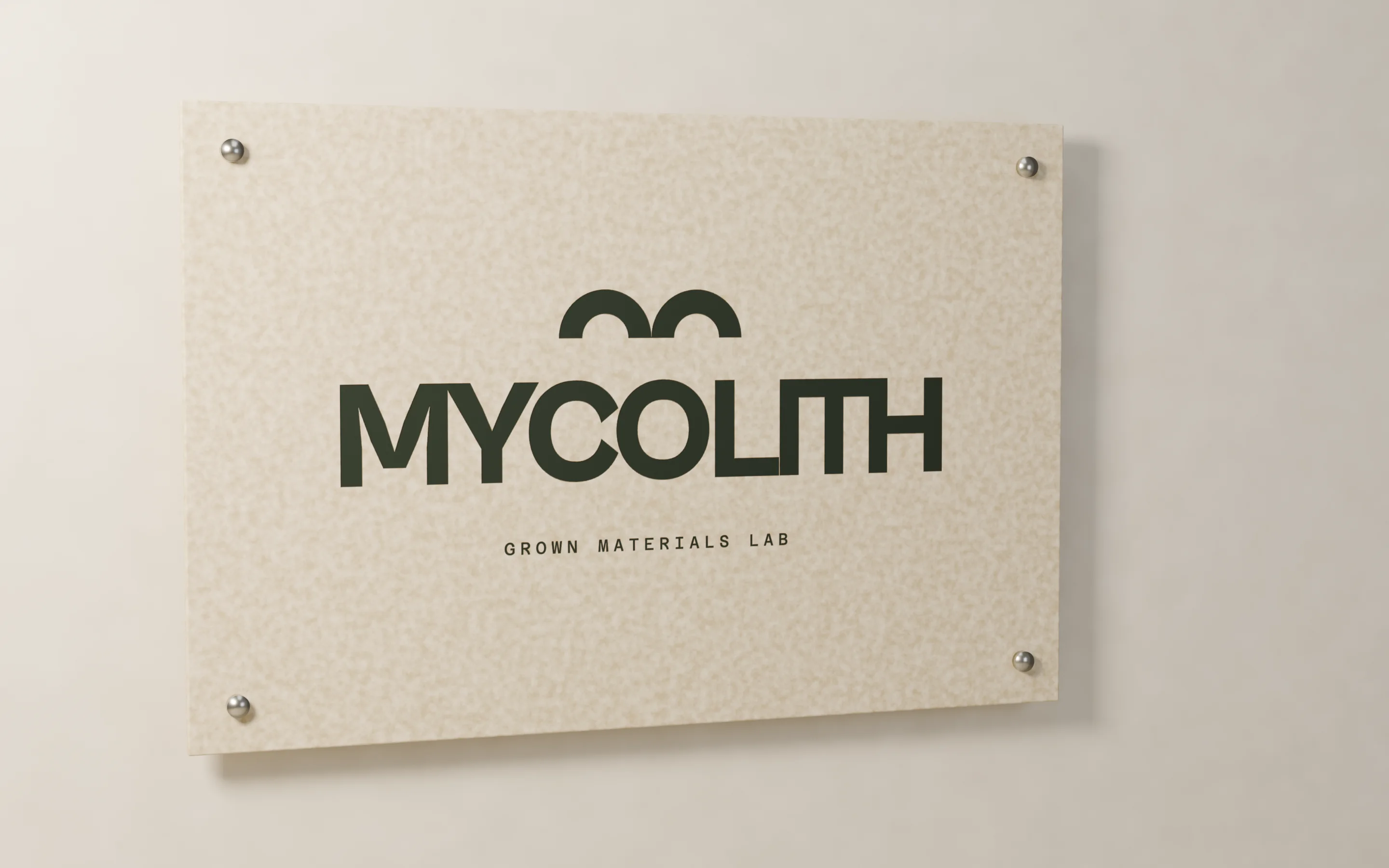
A grown Hypha Board panel mounted on a plaster wall with steel standoffs, printed with the Mycolith mark, the name and Grown materials lab.
The sign at the lab, printed on a Hypha Board panel.
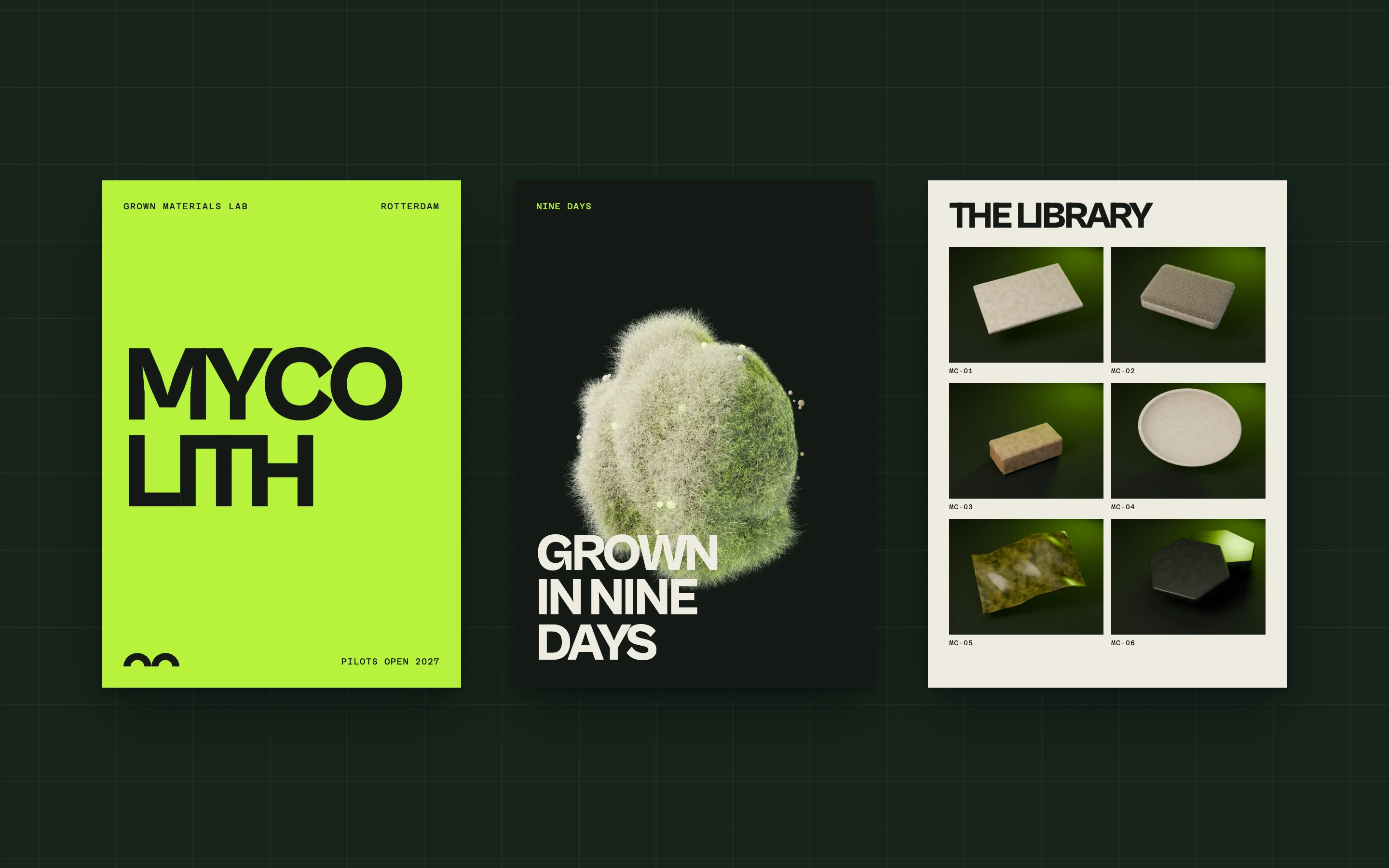
Three posters on a deep green wall: the name in moss on lime, the grown sphere with Grown in nine days, and a grid of the six material samples.
Three posters for the launch.

The website

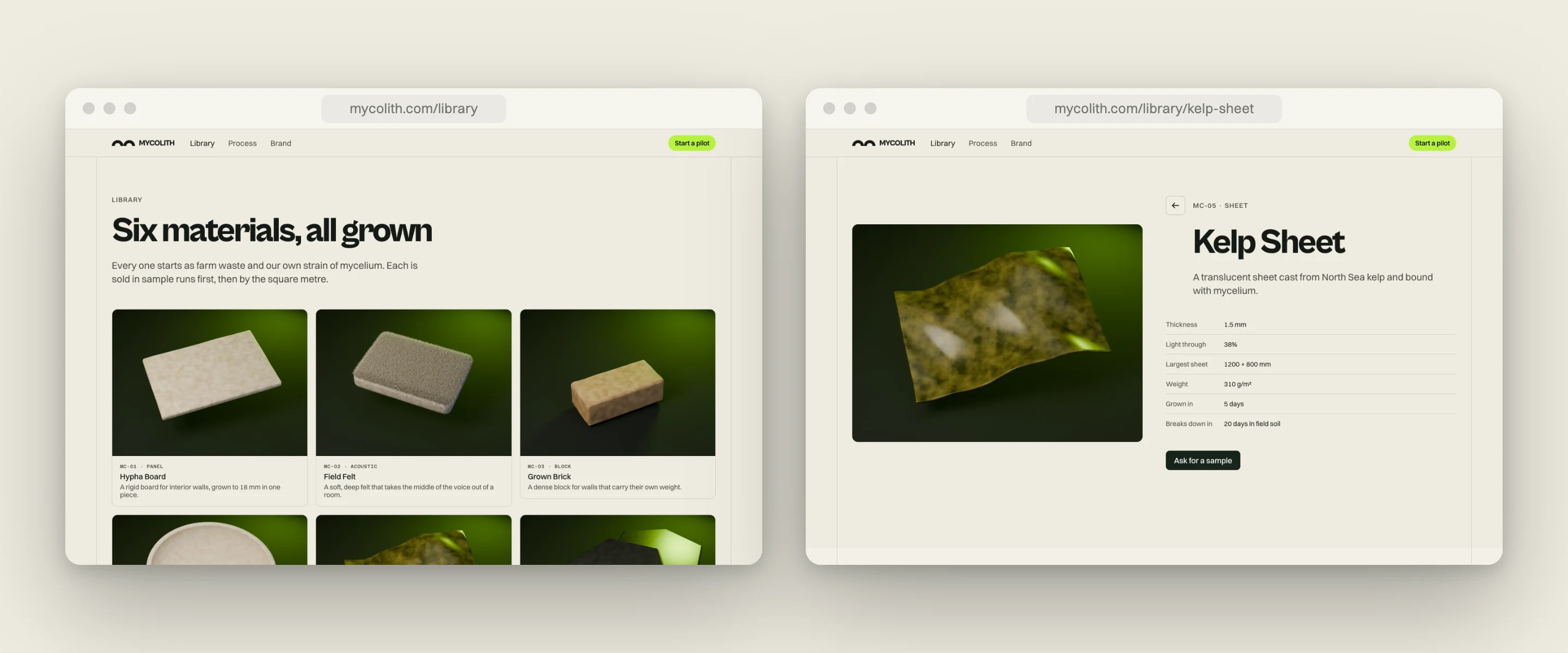
The home opens on the name, set across the whole screen, with a sphere of mycelium in front of it and four materials around it. The library shows the six materials as cards. Each material has its own page with a photo, the measurements and where it can be used.

The photos are 3D renders made for the site, so every material is lit and framed the same way.
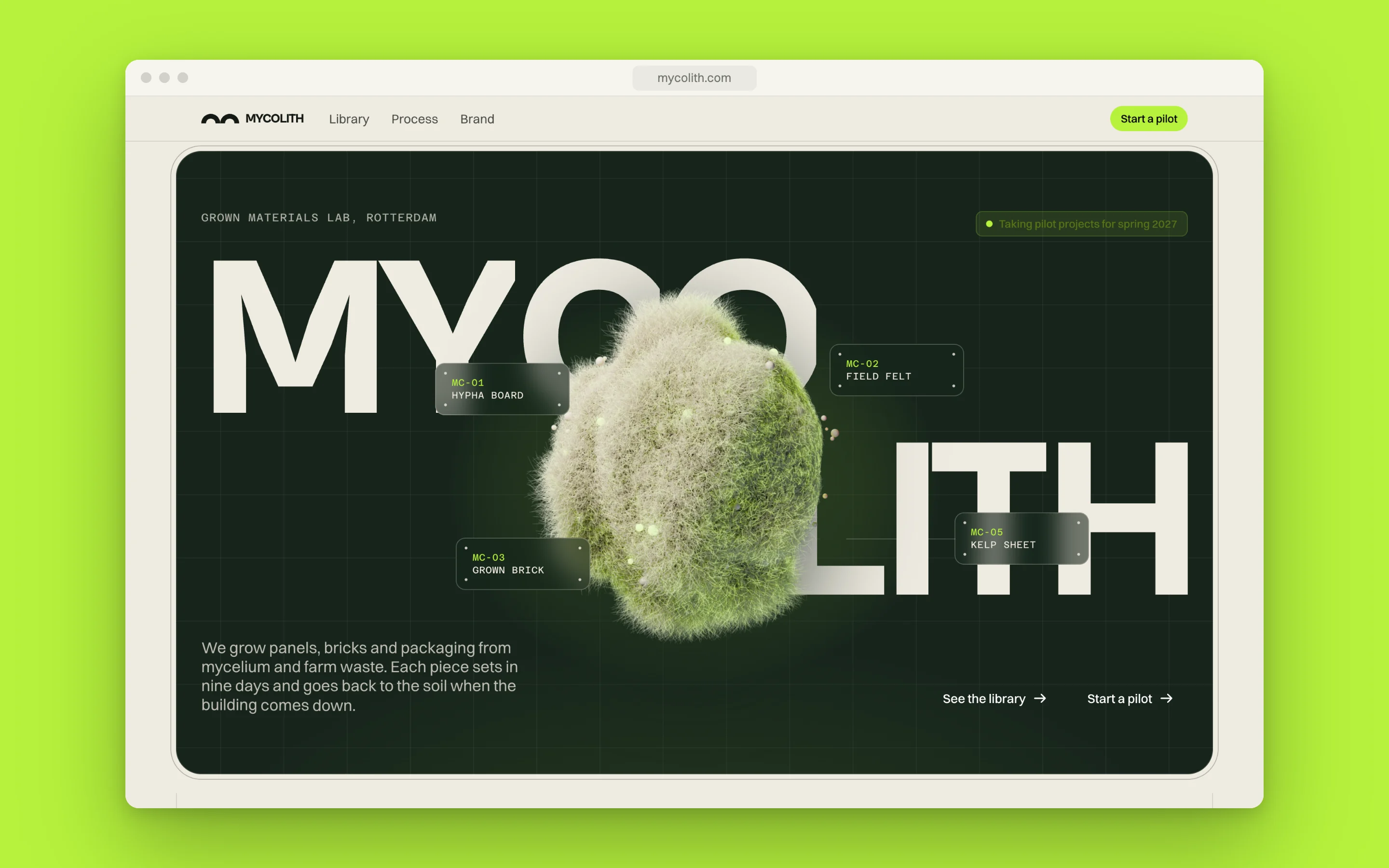
The Mycolith home in a browser window on a lime ground: the name across a deep green window with the grown sphere in front of it.
The home.
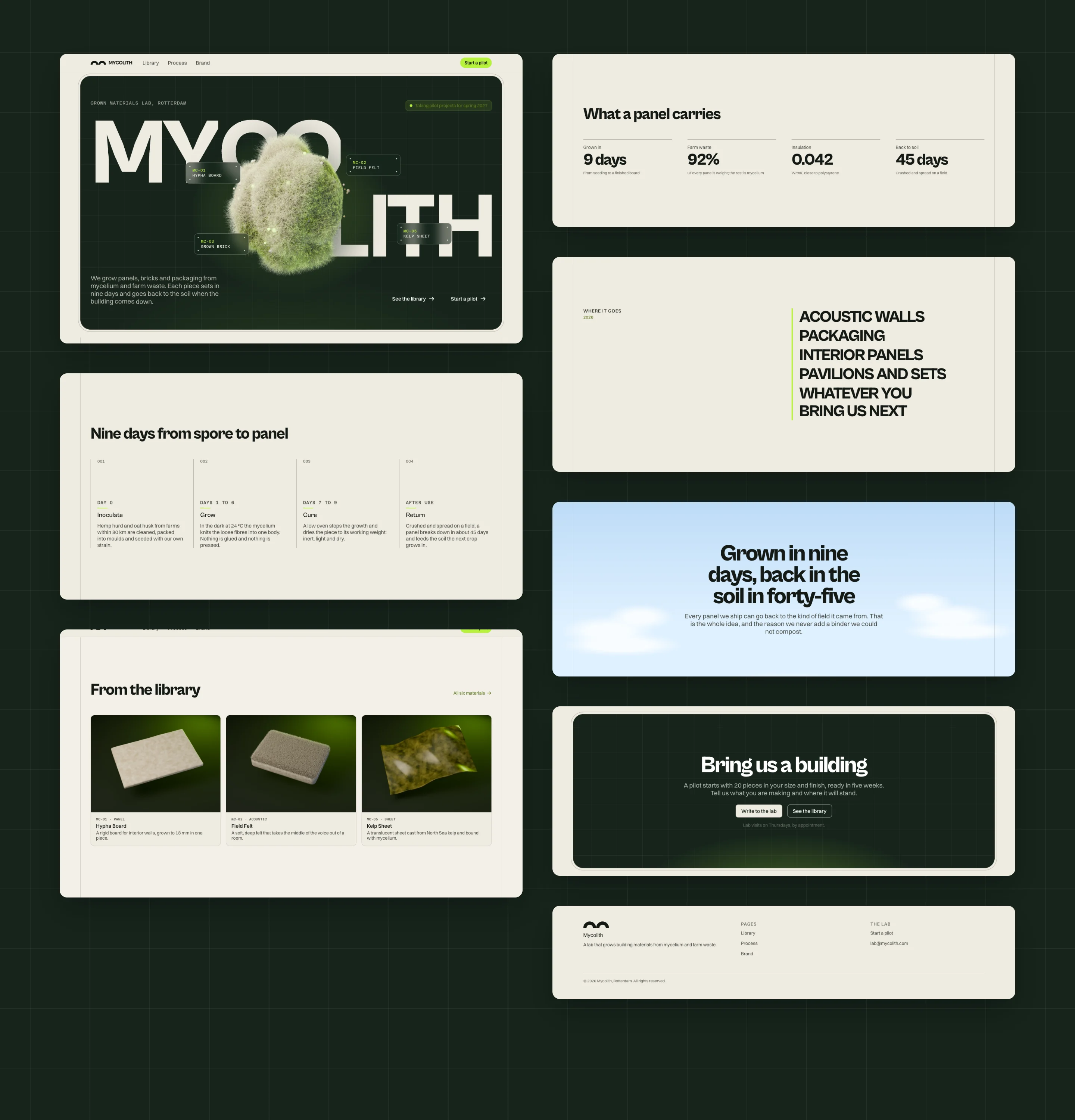
Every section of the home as a grid of screenshots on deep green: the hero, the process, the library, the figures, the uses, the sky, the closing call and the footer.
Every section of the home.
Two browser windows: the library with its material cards, and the Kelp Sheet page with its photo and measurements.
The library and a material page.
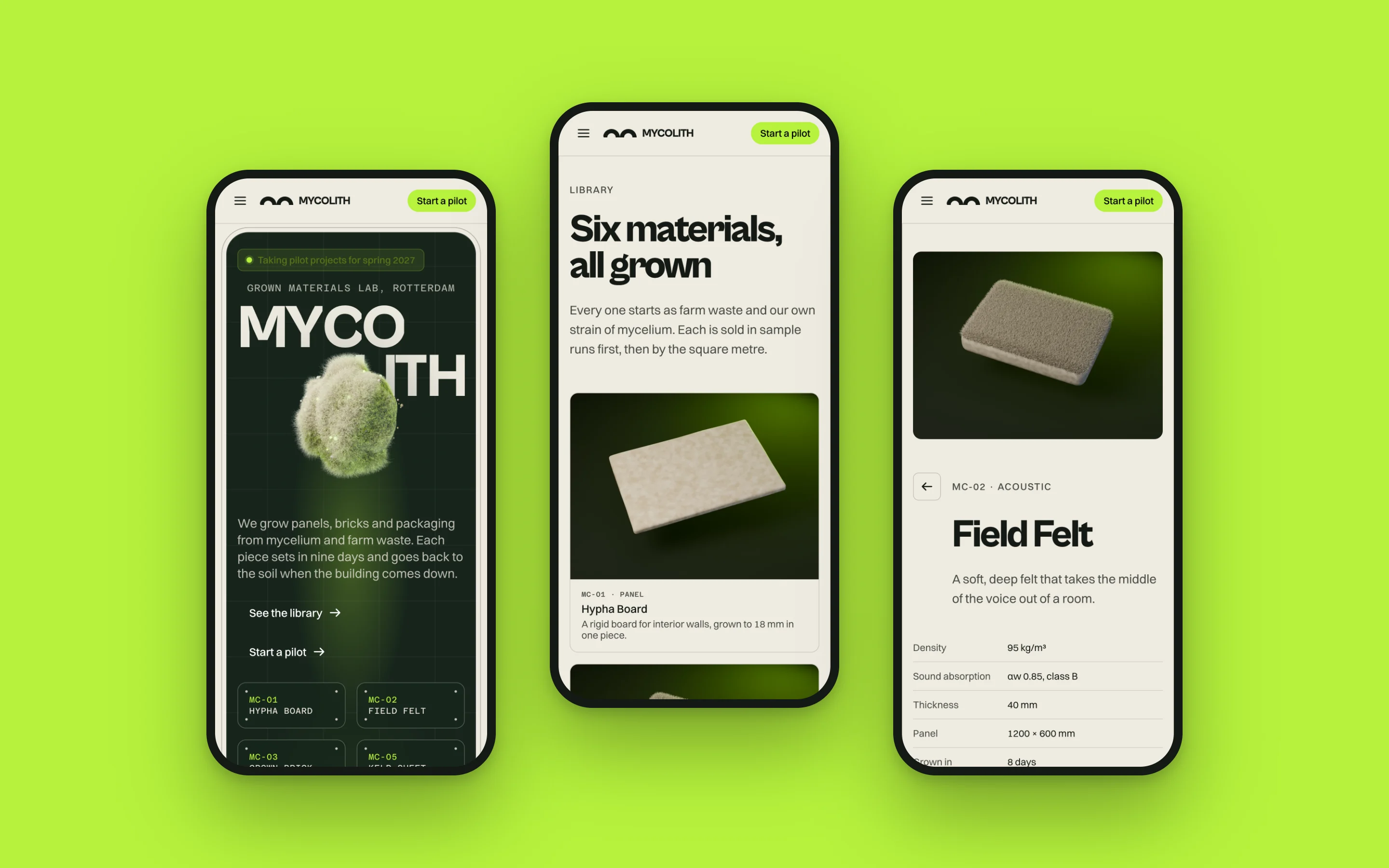
Three phones on a lime ground showing the home, the library and the Field Felt page.
The same pages on a phone.

The design system

The site is built on OS, my design system. Mycolith’s colours and typefaces are set once, and every button, card, table and form takes them from there. A small layer of custom styles adds what only this site has: the framed hero, the glass labels and the ruled columns.
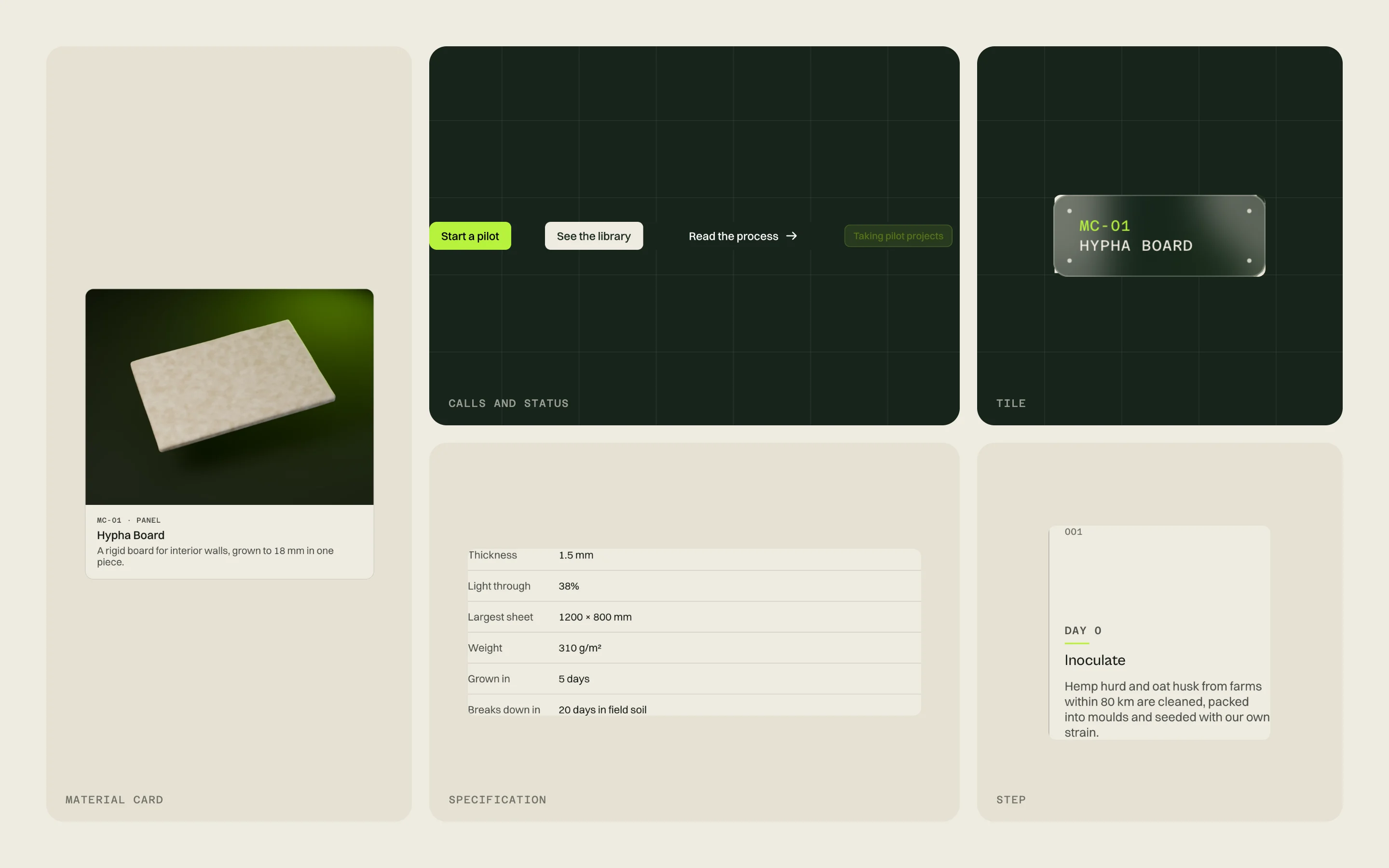
Five parts of the site in a grid: a material card, the calls and status pill on deep green, a glass tile, a specification list and a process step.
Some of the parts every page is built from.

The CMS

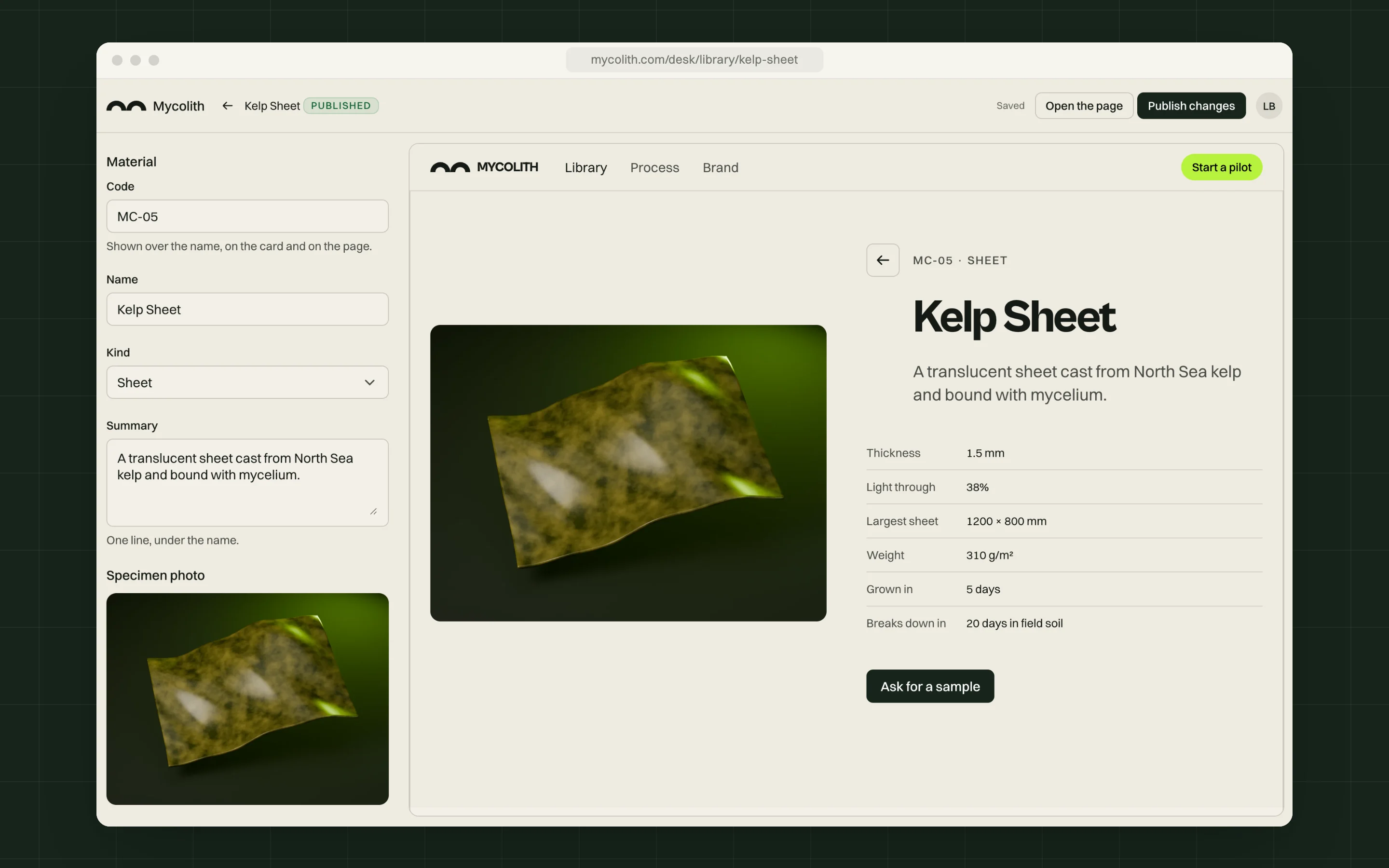
The team runs the library from a CMS built on the same system. Each material is a record with its code, name, photo, measurements and uses, and the page shows each change next to the form as it is made. A new material stays a draft until its photo is ready.

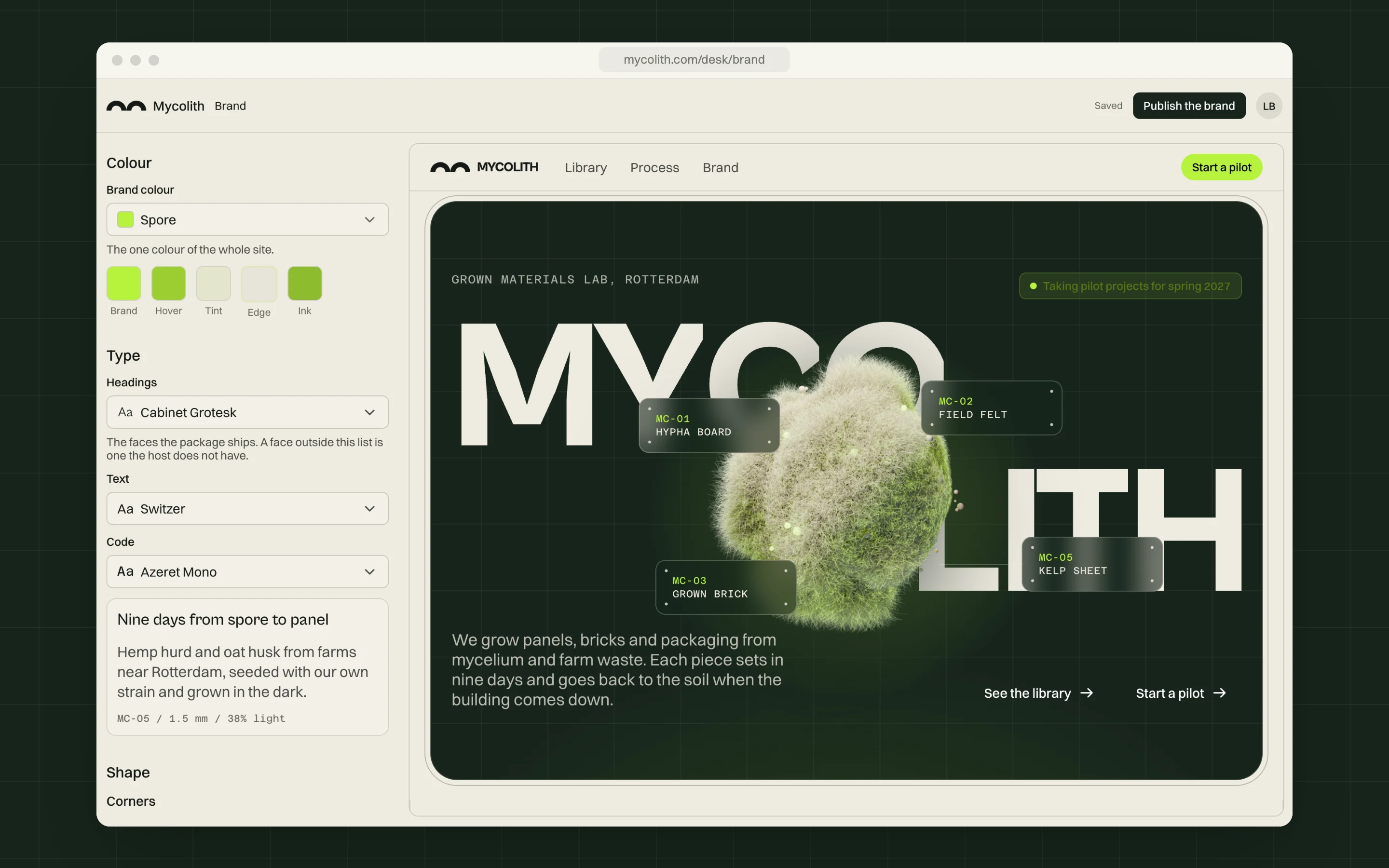
The brand settings are in the CMS too. A change to the accent colour or a typeface shows up across the whole site.
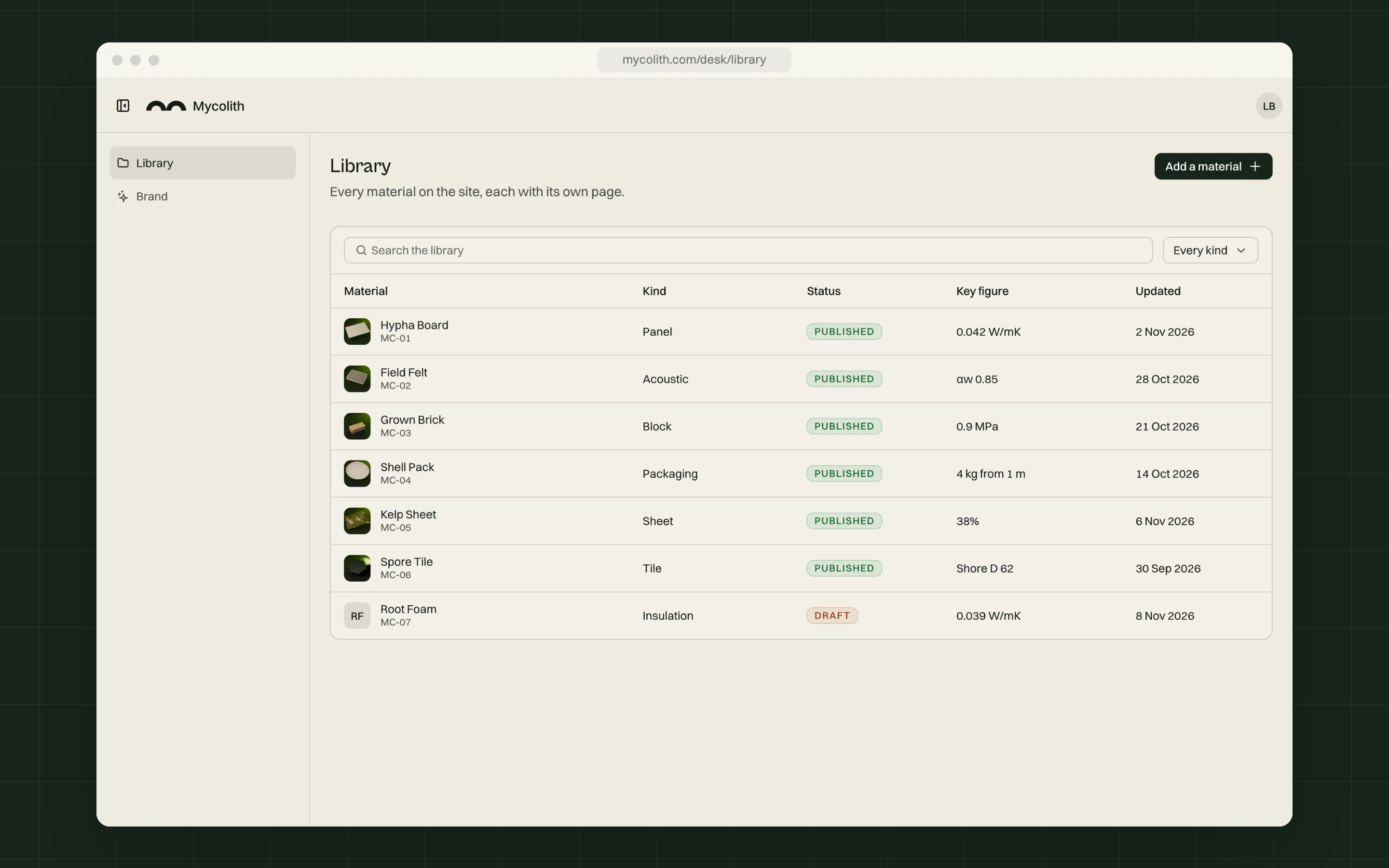
The CMS library: a table of seven materials with their photos, kind, status, key figure and date, one of them a draft.
The library in the CMS, with one material still in draft.
The CMS editing Kelp Sheet: its fields on the left and its page on the right.
A material’s fields next to its page.
The CMS brand settings: the accent colour and the three typefaces on the left, and the home on the right.
The brand settings, with the home updating next to them.

Built with

Next.js · 16React · 19TypeScriptOSOS CMSBlender · 5.2

The material first, then the name.

The home sets the sphere in front of the name, the sample kit puts the six samples next to the logo, and the CMS shows each material’s page beside its fields.

Have a project in mind?

I design and build complete digital products. If you’re planning something new, I’d like to hear about it.