Tools · 3 min · 4 August 2026
Figma Motion puts the timeline where the design already lives
Figma added a real animation timeline on the canvas, sitting under the same layers you design with. The part that matters is the handoff: the motion exports as code a developer can read.
I've spent years animating UI in one app and rebuilding it in another. Figma Motion, in open beta since Config, collapses that. There's a timeline on the canvas now, sitting under the same layers I design with, and the animation exports as code the developer can actually read.
What it actually is
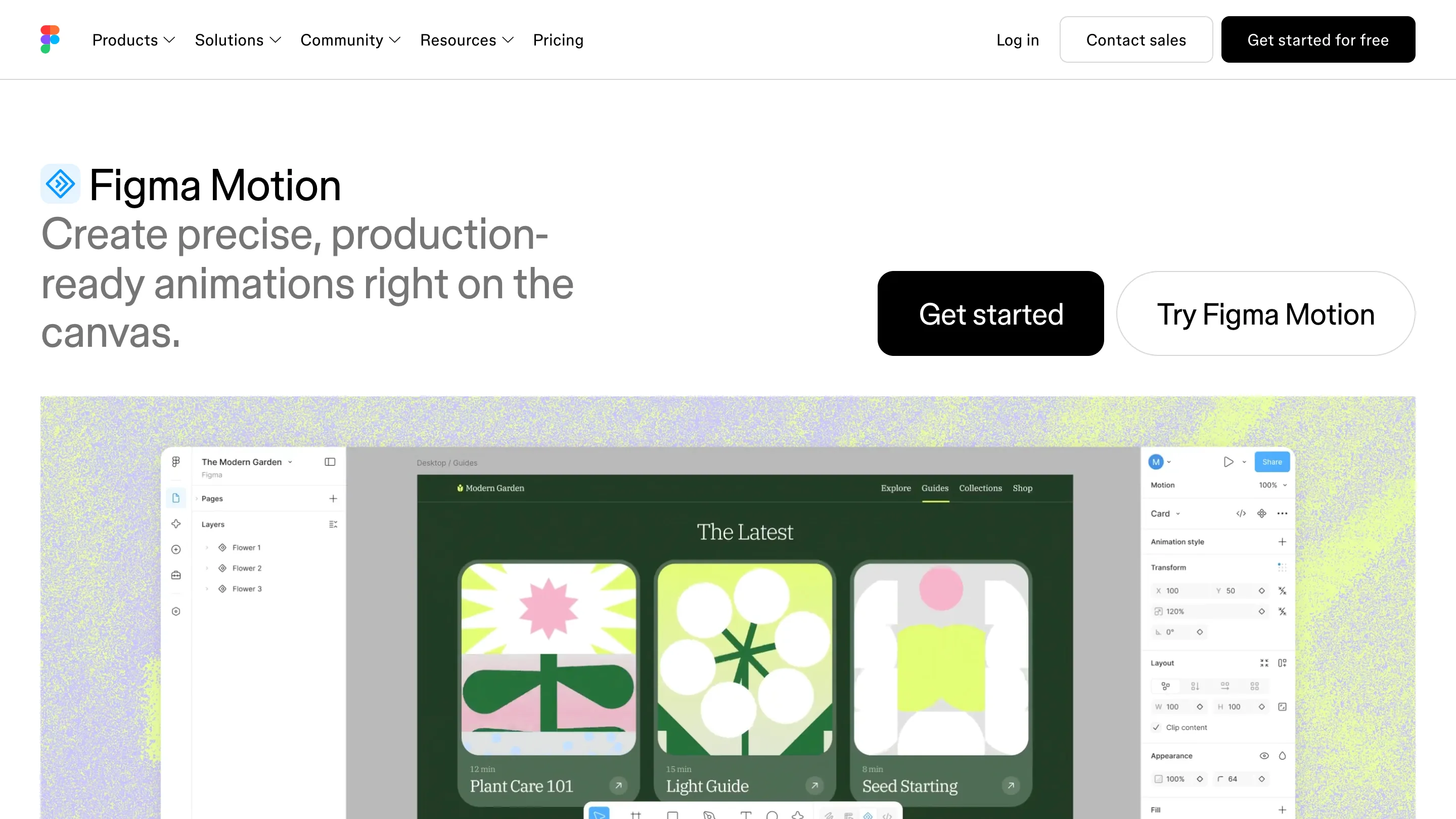
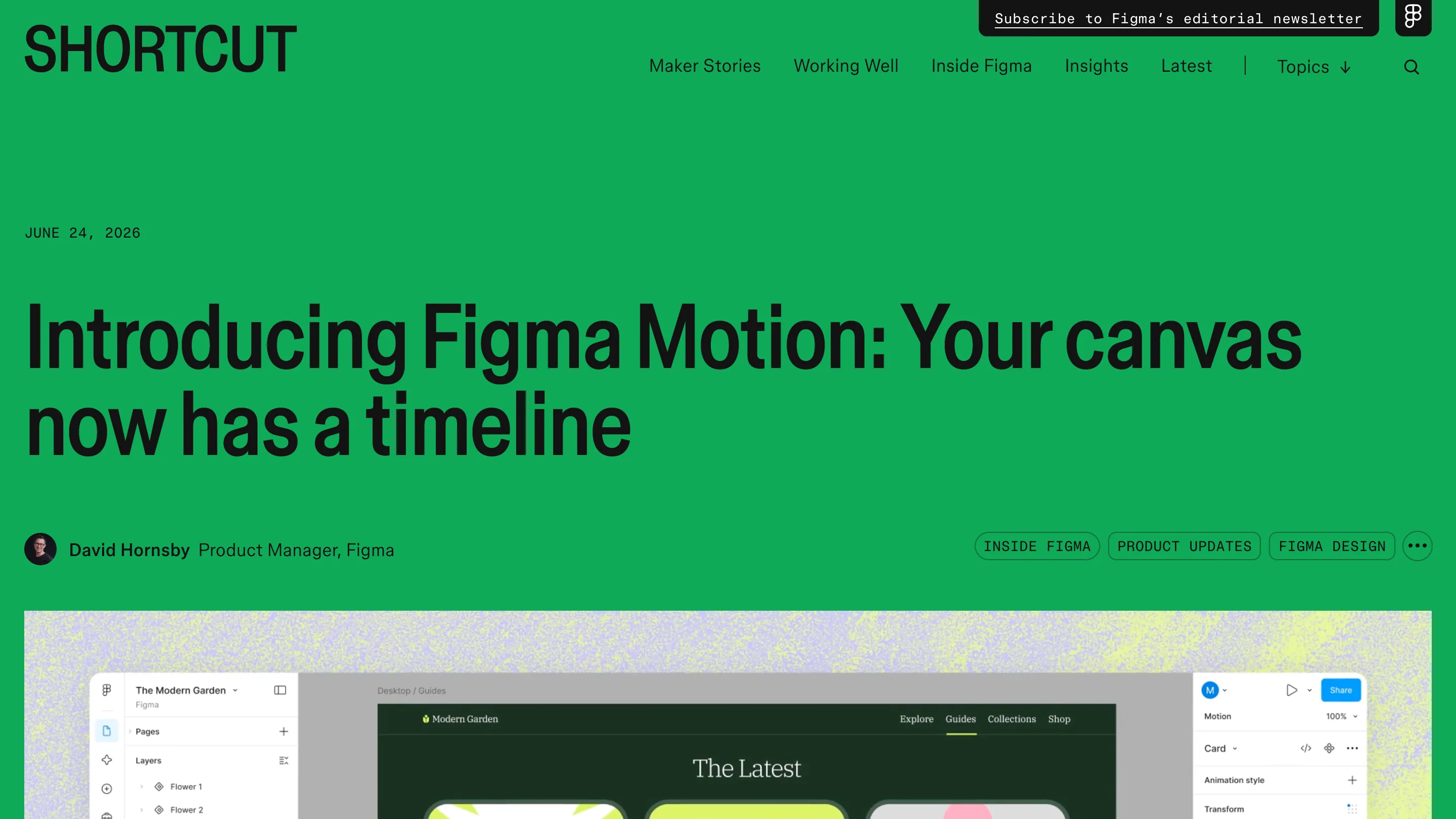
A play button and a timeline live in the right panel, next to Transform. I open the Modern Garden file Figma ships as the demo, select Flower 1, and drop keyframes on X, Y, scale, and rotation. Autokey records the change as I move the layer. Then I shape the curve with a bezier handle or a spring. Presets like Fade, Rotate, Scale, and Resize get me to something watchable in about a minute, and I stack them when one move isn't enough. The headline on the product page says it plainly: create precise, production-ready animations right on the canvas.
The handoff is the real change
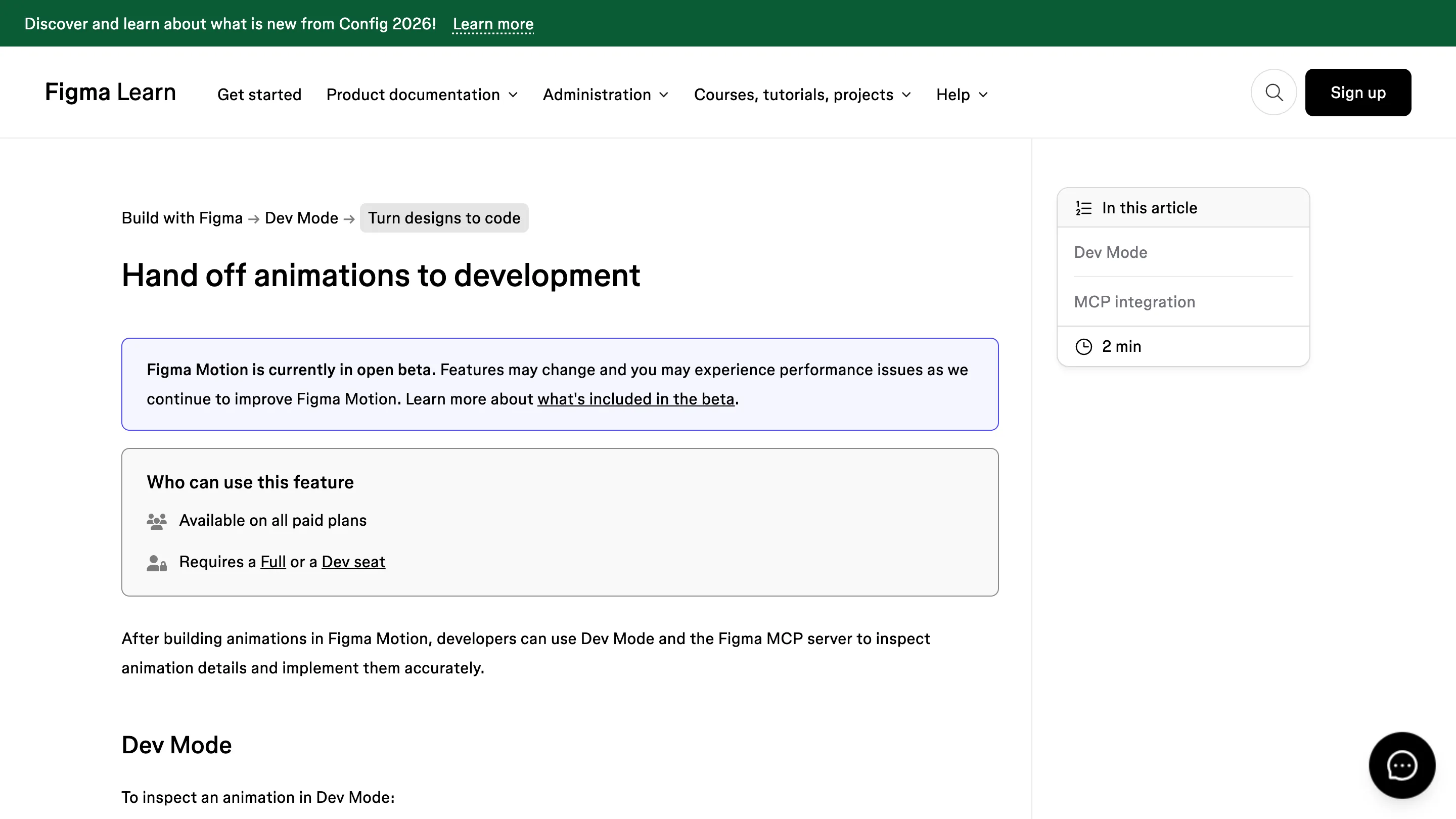
Here is where I sat up. In Dev Mode a developer opens the same timeline and copies the animation as CSS, JSON, or React that maps to motion.dev. Every timing value and easing curve is right there, so nobody reverse-engineers a video reference at 2am. The Figma MCP server can push the animation straight into an agentic coding tool, so the spec and the implementation start from one source. That's the half I've wanted for a decade, and it's the half most motion tools skip.
What it replaces in my setup
For UI micro-animation, a card that lifts, a menu that springs, a loader that breathes, this takes the job I used to hand to After Effects or Principle. No round trip. No Lottie export that quietly drifts from the design a week later. The animation and the frame it belongs to are one file, and when the frame changes the motion comes along.
Where it falls short
It's open beta and Figma says so on the tin: features move, performance wobbles on heavy files. It needs a paid plan and a Full or Dev seat, so it isn't a free-tier freebie. For state-machine work, a character that reacts, a toggle with real logic and branches, I'm keeping Rive. The 3D transforms shown at Config are still a waitlist, so depth is a promise, not a tool yet. And nothing here rigs a complex illustration the way a dedicated motion app does.
Am I switching?
Testing, not switching, and that's an honest answer rather than a hedge. The timeline covers most of what a product interface needs, and the code export is clean enough that I'd put it in a real handoff tomorrow. Credit to Figma for building the boring, important half, the part where the animation survives the trip to production. Rive keeps the interactive rigs. Everything else moves to the canvas.