Tools · 3 min · 19 July 2026
Figma's pasted screens now land on my variables
Figma's July 16 update binds captured web screens to the variables already in your file. What it covers, what it misses, and the one job I'd hand it.
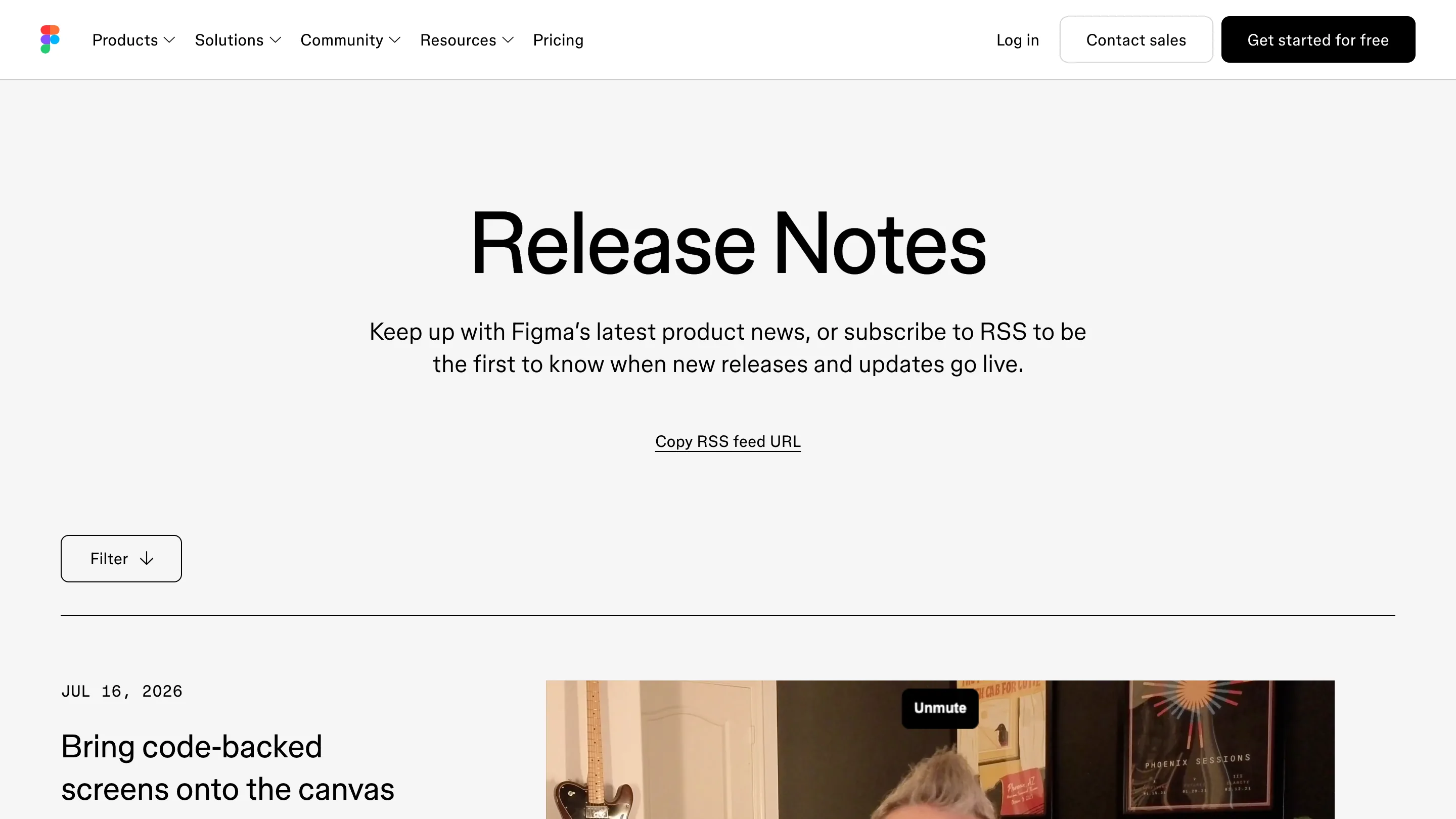
Figma shipped a small thing on July 16 that fixes the part of design import I actually cared about. When you capture a coded screen and paste it on the canvas, the colors, type and spacing now try to bind to the variables already in your file instead of arriving as hardcoded values. Frames come in with auto layout too, so the screen reflows when you touch it.
I do design system work most weeks. A paste that arrives pre-wired to my tokens is worth twenty minutes of my afternoon.
What it actually does
Three ways in, per the Figma Learn page: the Chrome extension, copying layers out of a Figma Make preview, or the generate_figma_design call through the Figma MCP server. Whichever you pick, the capture sits on your clipboard and you paste it into Figma Design or FigJam.
The binding logic is the interesting bit. Figma reads the CSS variable name off the page and looks first for a match against the code syntax of your variables. No match, it tries the plain variable name. Still nothing, it takes the variable with the closest and tightest scope. That order tells you exactly what to do on your side: name variables the way they come out of your CSS, and add the library before you paste.
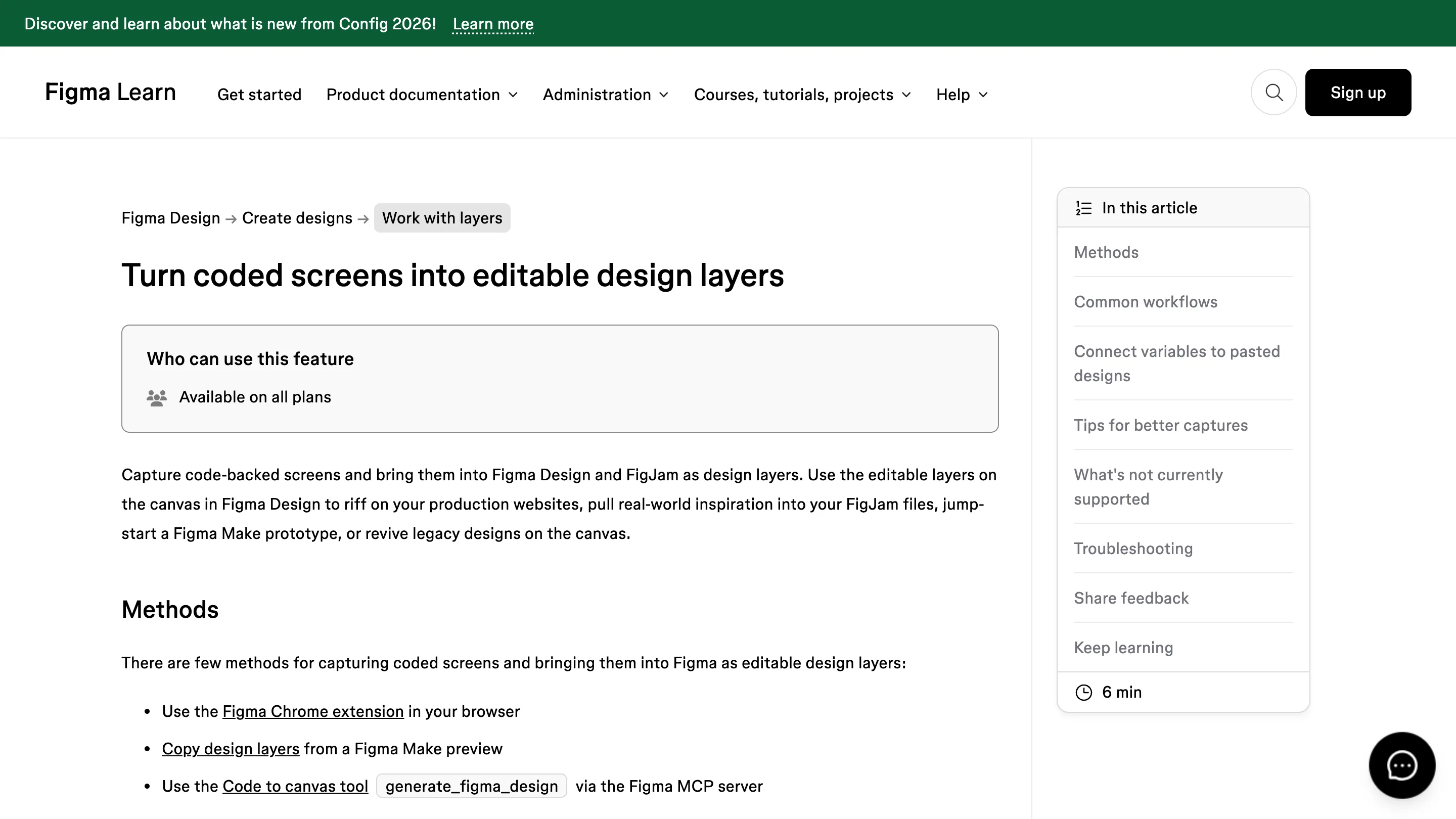
Coverage is wider than I expected. Frame fills, strokes, weights, corner radius, padding, gap, opacity. Text color, family, size, weight, line height, letter spacing. Vector fills and strokes. That is most of what a screen is made of.
Where it stops
No component or style mapping yet, so everything arrives as plain layers. You still do the work of swapping a captured button for your real Button. Color variables with opacity don't bind at all. Sites built on canvas rendering or virtualized lists come in badly, and scroll-driven sections need you to scroll the page first so they exist in the DOM when the capture fires.
Plan detail worth checking before you build a workflow on it: the page says all plans can use the feature, code-to-canvas capture is paid plans during the beta, and "check designs" for validating the bindings is Organization and Enterprise.
Testing it, on one job
Legacy screens. I have a client whose design file went stale two years ago while the site kept shipping, and the gap between the two is now the reason every handoff takes an extra day. Redrawing those screens by hand is a week I don't want to spend. Capturing them with the token library loaded and cleaning up after is closer to a day.
For new work I'm leaving it alone. A captured screen carries someone else's decisions, the layers show up without components anyway, and the head start is thinner than the demo suggests.
The rest of the release
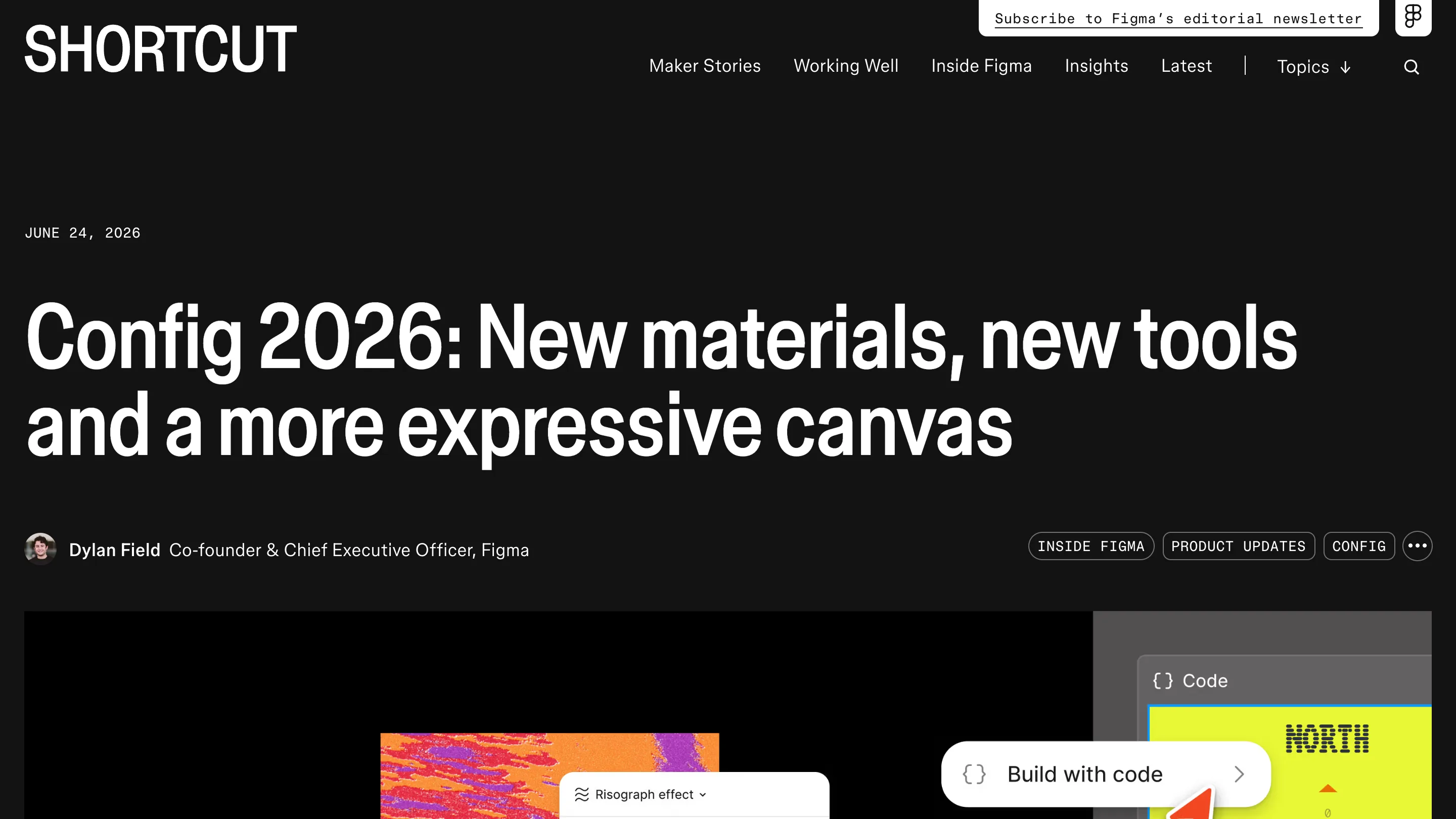
This landed a few weeks after Config 2026, where Figma announced motion, 3D transforms, shaders and code layers. Code layers is still a beta signup. I understand why the keynote led with shaders, they demo beautifully on a stage. The variable binding is the one that changes a normal Tuesday.
Try it on one old screen you already have tokens for. You'll know inside ten minutes whether your naming is close enough for the matching to work, and that answer is useful even if you never paste again.