Tools · 3 min · 20 July 2026
Framer's shaders now follow your cursor, and the spring is the whole trick
Framer put cursor tracking on its Liquid Gradient and Logo Gradient shaders. The spring on the tracking is what makes it read as motion, and the logo one is the only one I'd put on client work.
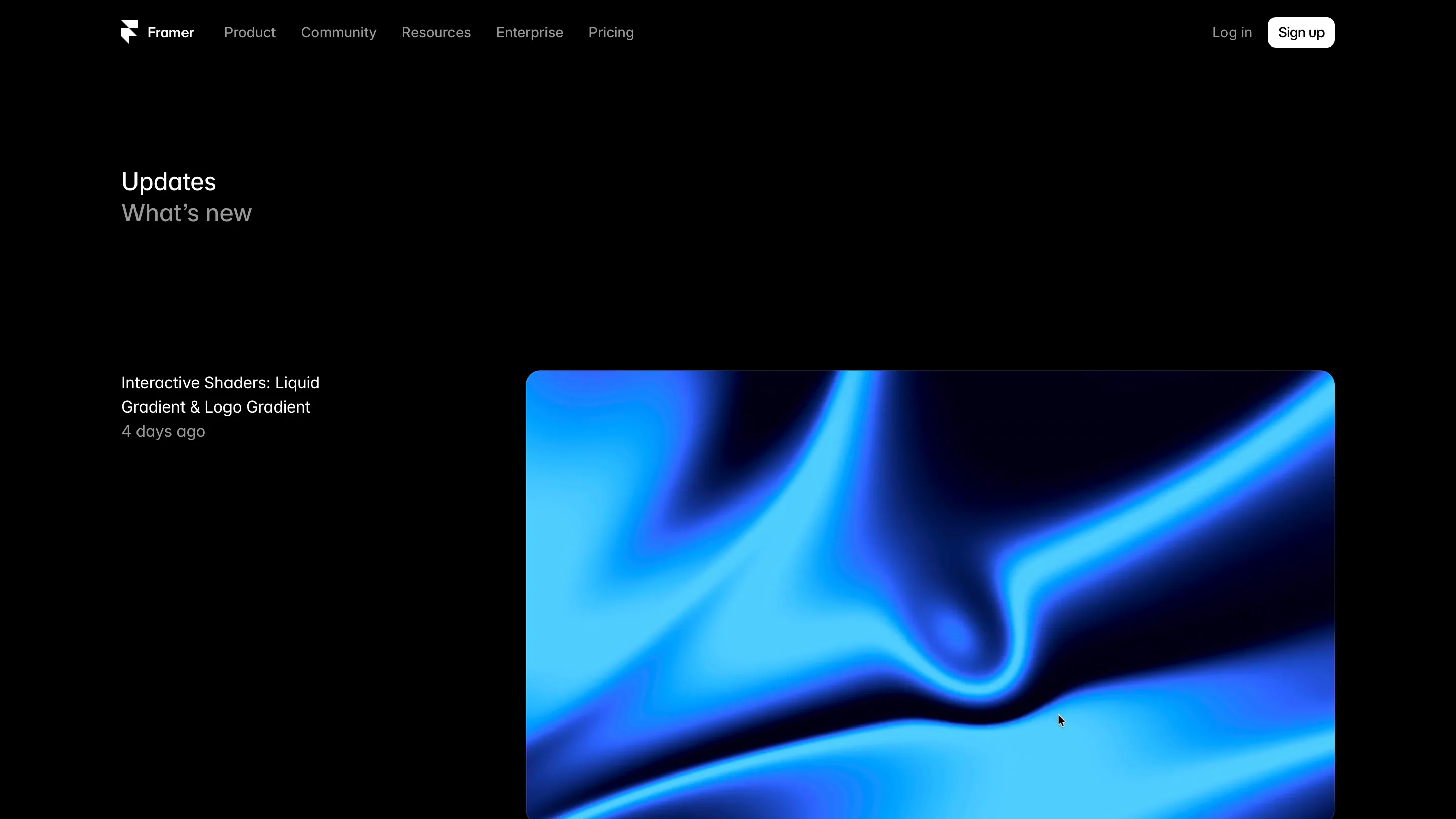
Framer added a Mouse property to two of its shaders on 16 July. Liquid Gradient and Logo Gradient. You select the shader, hit plus on the new property, and the effect starts following your cursor with spring-based tracking. No shader file, no useEffect, no npm install.
I opened the updates page meaning to skim it and stayed a while, because the demo does the job the feature is for. The blue field bends toward the pointer and settles back with a soft overshoot. I could feel the damping before I read a word about it.
What the Mouse property actually does
It feeds cursor position into the shader as an input, then puts a spring on the way there. That second half is why it reads as motion. Raw cursor coordinates feel cheap, like the effect is glued to your hand. A spring gives it mass. Framer already had this vocabulary on the motion side, so wiring it into WebGL is the obvious move, and obvious moves are usually the good ones.
The logo shader is the one I'd use
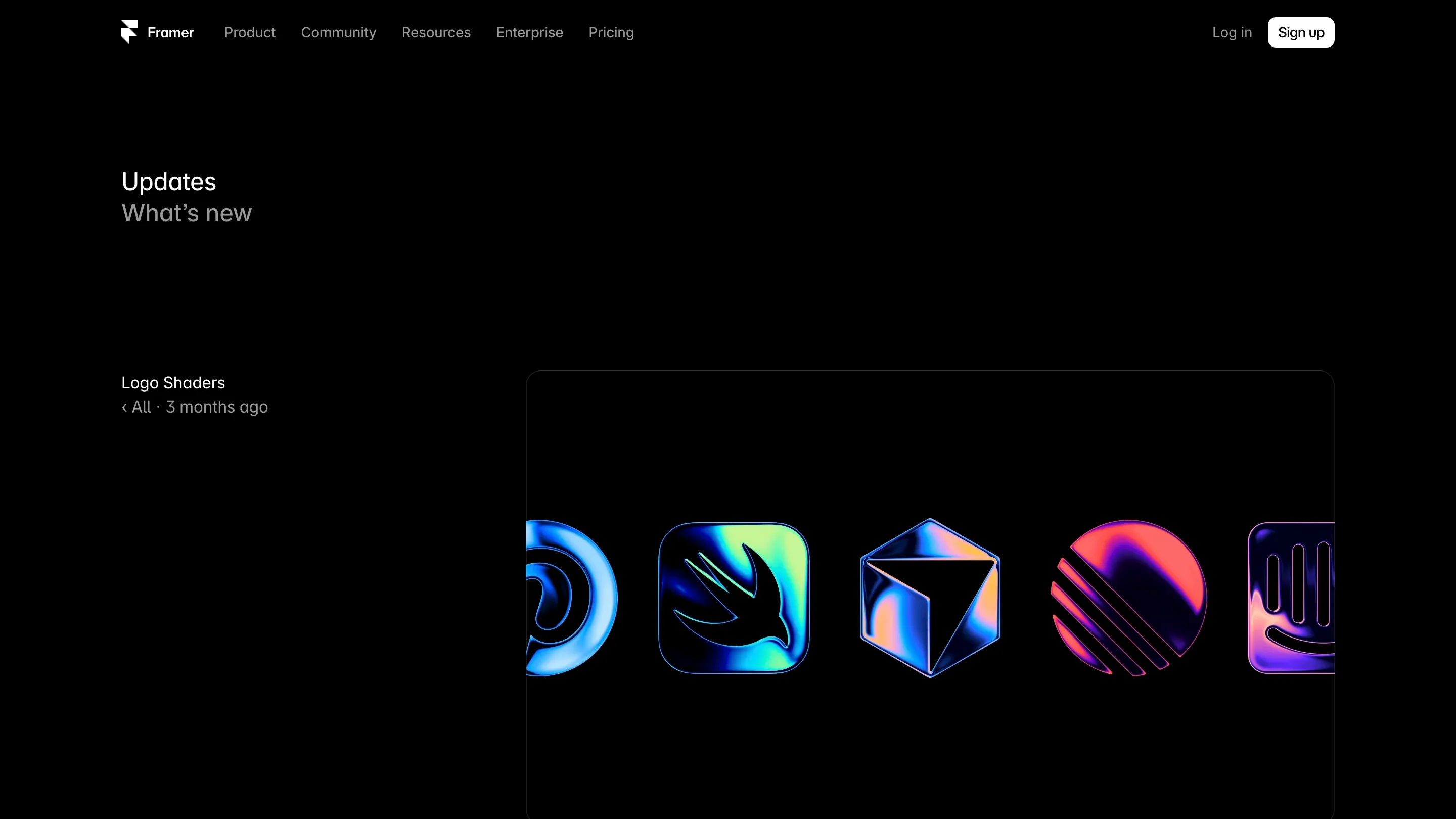
Logo Shaders landed in April and I skipped past it then. Seeing it next to the cursor update changed my mind. You drop in an SVG or a PNG and it comes back as a lit surface: the Swift bird, a wireframe cube, a striped disc, all sitting on black like anodized metal. The effects are named Contour, Dispersion and Bevel, and the animation responds to the edges of the shape instead of sliding a gradient underneath it. That edge awareness is why they read as objects rather than as a texture with a mask on top.
Put cursor tracking on that and you get a mark that turns toward the reader. On a product hero, one element doing that much work beats a looping video.
Where it falls short
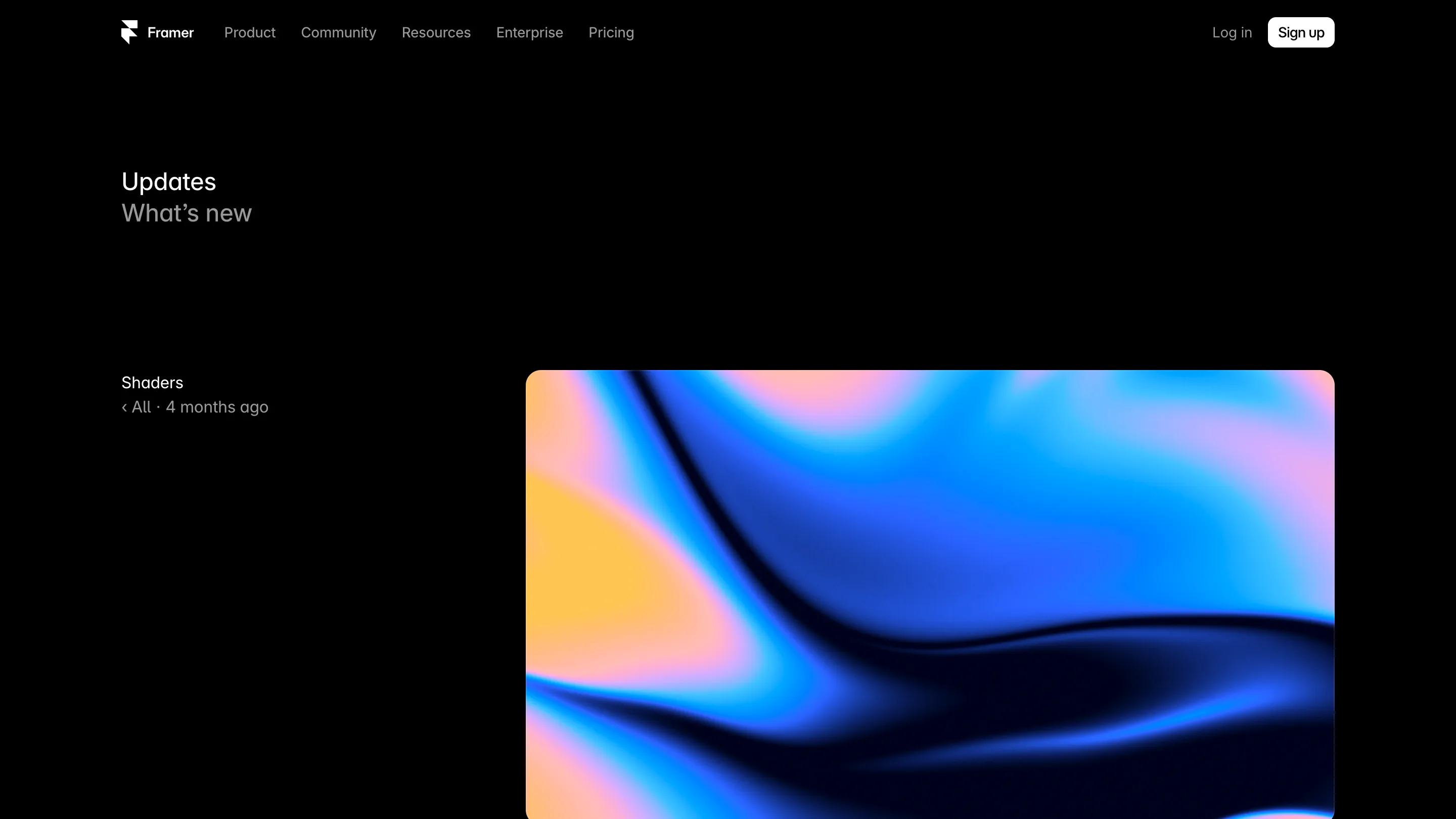
The Liquid Gradient is gorgeous and I'm keeping it away from client work. Look at the shaders page: hot orange folding into blue and pink, filling the whole frame. That palette makes one decision for you and it's the loudest one on the page. Every site that ships it will look like every other site that ships it, the way every Framer template looked alike in 2023.
The other cost is attention. A background that moves when the pointer moves competes with your copy. On a portfolio or a launch page, that trade can be worth it. On a pricing table it never is.
What I'm doing with it this afternoon
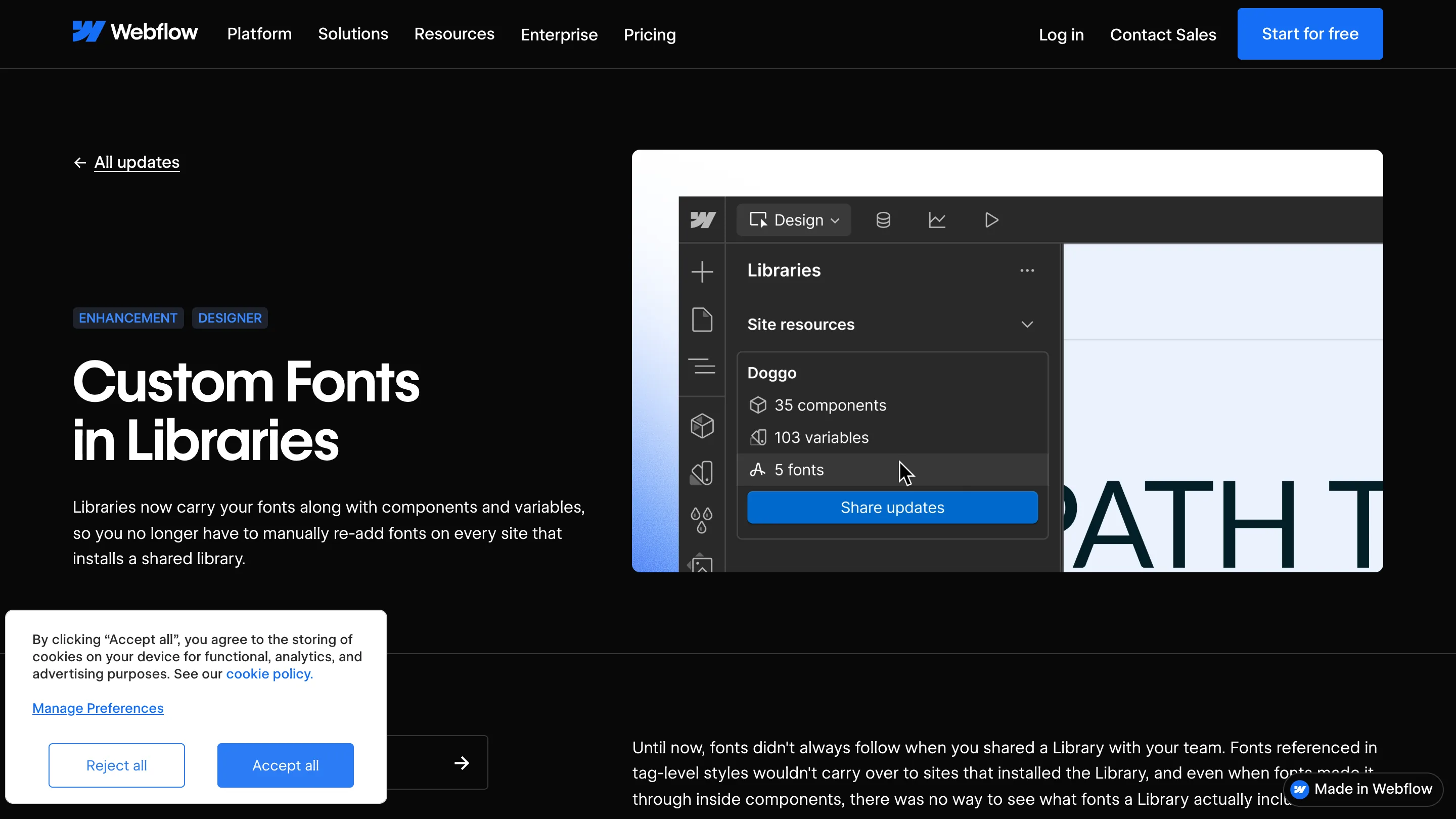
Testing the Logo Gradient on one client mark, leaving the Liquid Gradient alone, and stealing the shape of the feature. The effect ships inert, and interactivity is a discrete property you opt into per instance. That's a good default. Bake the interaction in and every use becomes an override.
My own site runs a grain overlay over a neutral palette, so a saturated WebGL field would fight everything on it. The spring still applies. I have hover states that snap to their end value on a transition curve, and swapping that for a spring on cursor distance is a few lines of the same physics Framer is selling here. They keep shipping small primitives you can reason about in one sitting. This is one of them.